
RS-485 to USB-A Converter

$50.00

description

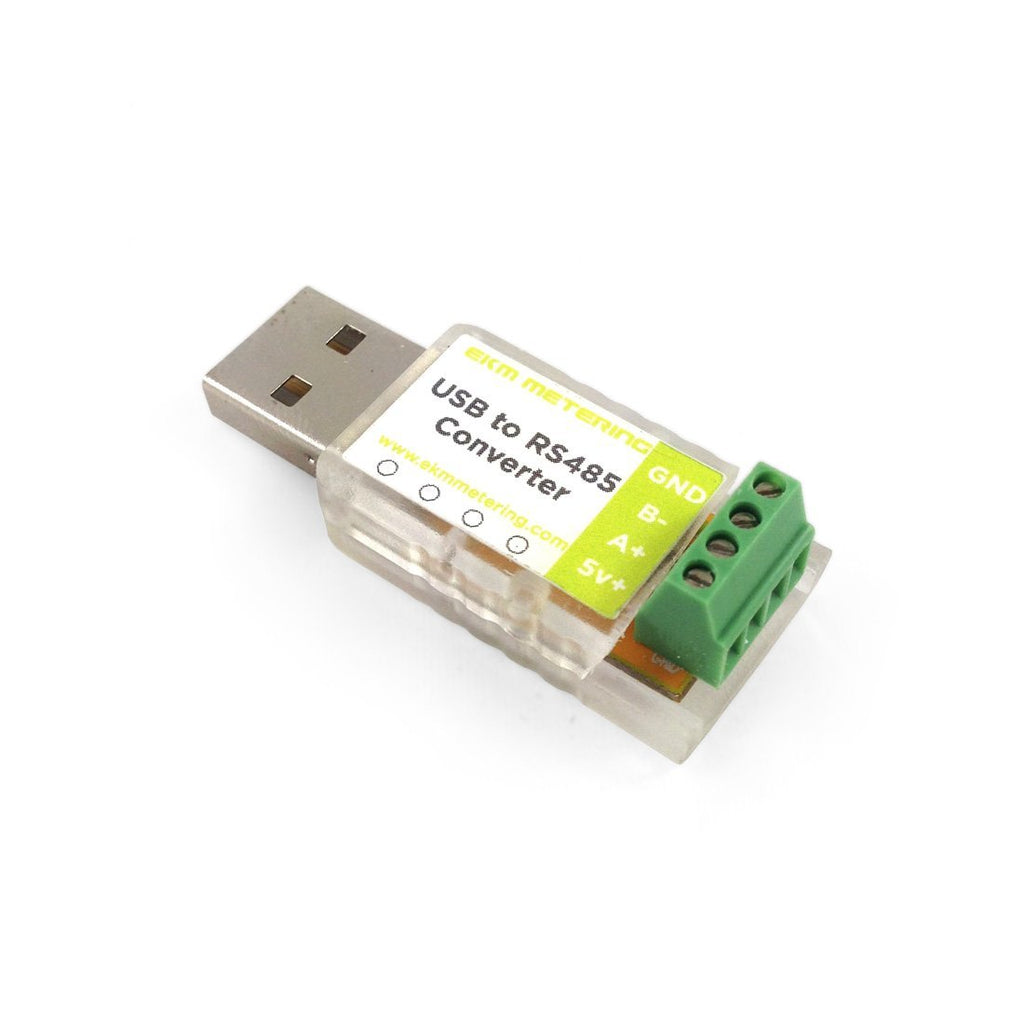
USB-A to RS-485 Converter
View More

More information

Description: USB-A to RS-485 Converter

Hardware: FTDI chip

Advantages: Easy to install, easy to use, and blinks when active.

Max. Speed: 3,000,000 Baud

Tools: Small Screwdriver Included

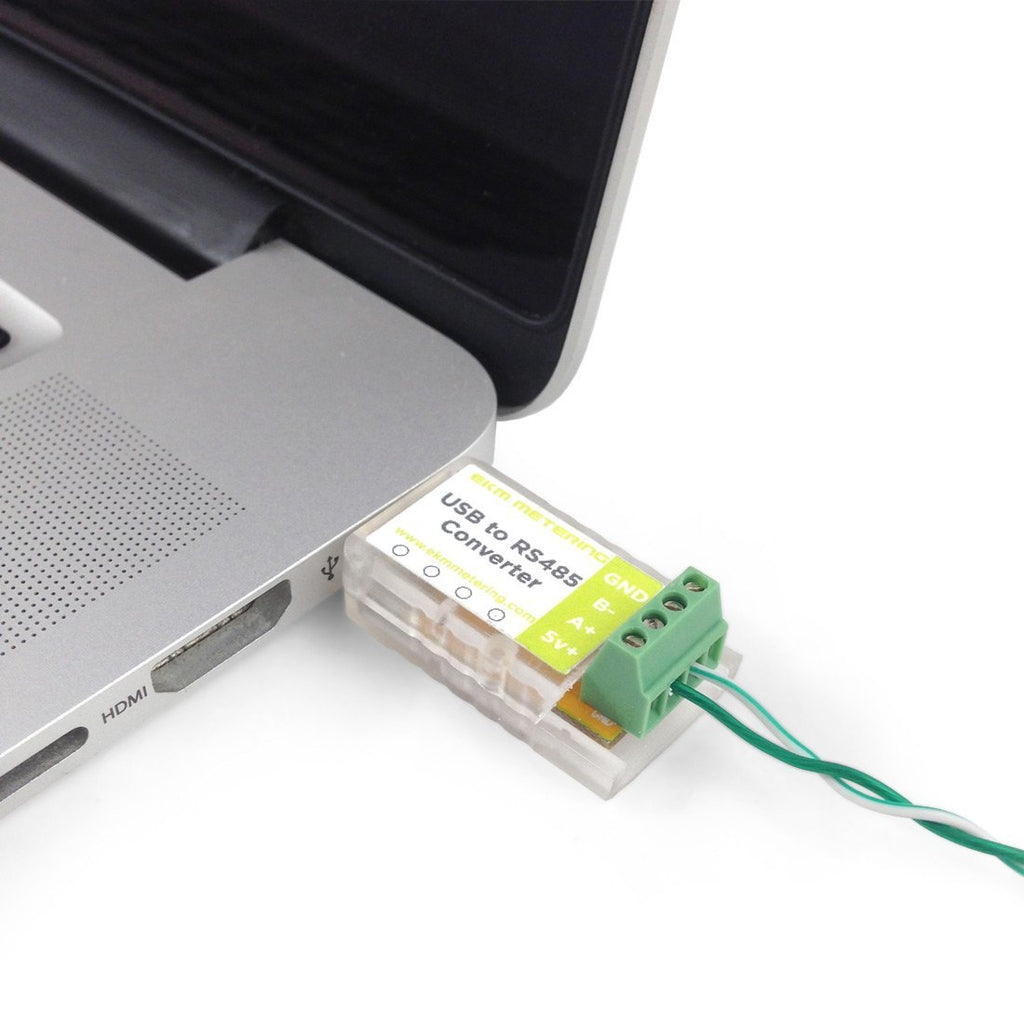
Our USB-A Converter, translates the RS-485 signal from the meters to a signal that can be understood by your computer and our EKM Dash software. This is an inexpensive device that will work well if you want to read your meters locally (on-site). You can connect up to 256 meters on 4000 feet of twisted pair wire to this converter.

We recommend this USB-A converter to all customers who purchase any of our v.3 Omnimeters or v.4 Omnimeters. It is really useful for making meter settings and for reading your meters directly.

We offer a RS-485 to USB-C Converter as well.

This converter uses a chip that is manufactured by FTDI, which is much more robust, reliable, and easier to use than competing chips. The terminal blocks are tiny, so we include a small screwdriver with each USB-A Converter so that they can be opened and closed more easily.

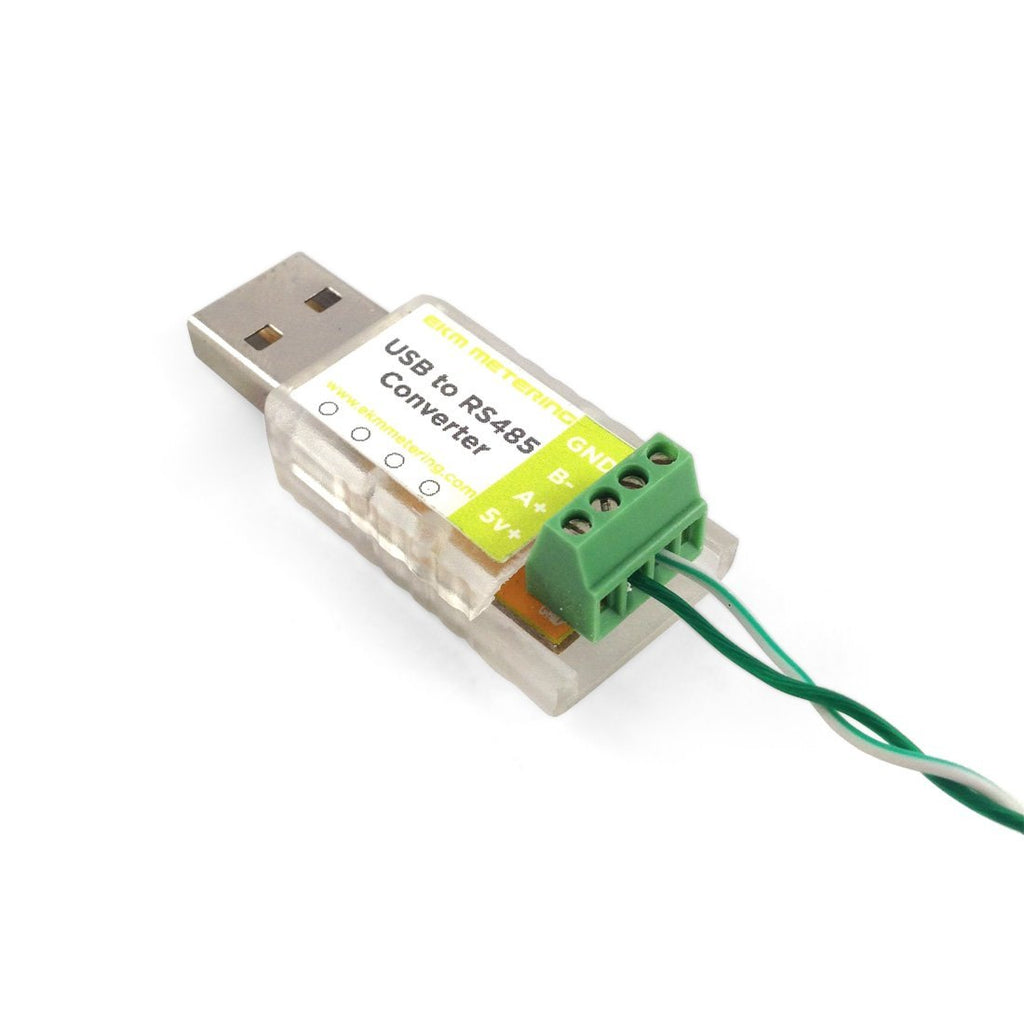
This model of USB-A Converter has a transparent case, which allows it to show a visual indication of successful meter reads. This is shown with a red blinking LED bulb, that flashes as successful reads are made.

In order to use this converter please download and install the USB driver. Works with all modern Windows, macOS, and Linux operating systems.

Check out this Communication Diagram showing an example of the USB Converter connected to multiple Omnimeters (up to 256 meters).

Works with all of our RS-485 smart meters including our v.3 and v.4 Omnimeter models.

These are very easy to connect and wire up (requires a tiny 2mm flat head screwdriver, which is included). Be sure that you have the FTDI USB Drivers installed. Connect a twisted pair wire from A+ on the USB converter to "RS-485 A" on up to 256 EKM Meters, connect B- to "RS485 B" on the same meters.

For more information about our products and services, we encourage you to visit our online Knowledge Base, which provides spec sheets, videos, tutorials, FAQs, diagrams, and more.

Spec Sheet: EKM Blink Spec Sheet


  • 5 stars: 3 (75%)
  • 4 stars: 1 (25%)
  • 3 stars: 0 (0%)
  • 2 stars: 0 (0%)
  • 1 star: 0 (0%)
M
Manny
Best USB to RS-485 converter in the market!!

Where else are you going to find a converter for $25 that works right out of the box. I have had one of these for almost 7 years and it still works like a champ. Thanks EKM.

T
Thomas
Great product

Communication is so much fast with the 232 to 485 middle man out of the picture. Each one comes with it's own tiny flathead screwdriver for easy install. Definitely recommend!

P
Patrick
Product of the Year.

Easiest 485 serial I have ever used. Always works, no configuration to get wrong. I use these exclusively for all RS-485 Applications and they are low cost.
Blinky lights for Tx & Rx are great for debugging. I have replaced all other >$100 converters with these when they don't work.

T
Tim
Needs a tiny screw driver

Works great, but the screw terminals are insanely small and are not user friendly for more industrial uses.

Z
Zae

Is the 3rd party USB converter works with EKMV3?

EKM Metering Inc.

We do not generally recommend that you use 3rd party RS485 to USB converters. They can introduce a bunch of headaches and wasted time. If the biasing resistor values are wrond, or the terminating resistor values are wrong, or they are not using FTDI chips, then they will very likely not work well. We are not able to help with supporting you if you have issues with your 3rd party RS485 to USB converters. We have often seen customers who struggle with 3rd party RS485 to USB converters, they then buy an EKM RS485 to USB converter and all issues are solved.

G
Gabriel

Would this work to communicate with an arduino nano if i connect the USB end into the micro usb port of the nano with an adapter and the other end to a rs485 device?

EKM Metering Inc.

Yes, it should work if you are a programmer that is familiar with coding serial communications. You would have to implement the RS485 protocol in your code. If you were wanting to communicate with an EKM Omnimeter, here is the protcol: https://documents.ekmmetering.com/api-docs/rs-485-communications.html#rs-485-communications

J
Jesse

To use this usb connection does the computer have to always be on?

EKM Metering Inc.

You can read the meter(s) on a computer locally on site by wiring the meter(s) to the EKM Blink - RS-485 to USB Converter, plugging the USB converter into the computer, and then installing and running the EKM Dash software on that computer.

You will indeed need to keep the computer up and running, and the EKM Dash software up and running for any time that you want to be recording data from the meter(s).

S
Shane Samuels

Doe's the meters (e.g. 256) have to be physically connected on the same twisted pair wire (e.g. the 4000 feet) to communicate with the USB converter, or can each meter has its own RS-485 connection and once a USB converter is in range it can collect the data individually from all, store it and ltr upload to the EKM Push (cloud space)?

EKM Metering Inc.

The Omnimeters need to be wired to either the USB Converter (https://www.ekmmetering.com/collections/all-products/products/ekm-blink-rs-485-to-usb-converter) or Push3 gateway (https://www.ekmmetering.com/collections/all-products/products/ekm-push3-bundle-cloud-data-control-system), in order to be read by those devices. The USB Converter is a method for reading the Omnimeters on site with a computer. The Push3 is a separate method for reading meters which pushes data out to the cloud where it can be accessed online.
It is possible to wirelessly communicate between the meters and the Push3 or USB Converter, by connecting the meter(s), and the Push3 or USB Converter, to 485Bee (https://www.ekmmetering.com/collections/all-products/products/ekm-485bee-zigbee-wireless-adapter-for-rs-485-network) Xbee radio nodes.

A
Adelia

Hi, I would to buy EKM Blink - RS-485 to USB Converter